

All features · chats
Work conversations stay where the work is
Direct messages, department groups and a thread for every task live inside one workspace: the same people, the same permissions, the same history — owned by the company, not by personal phones.
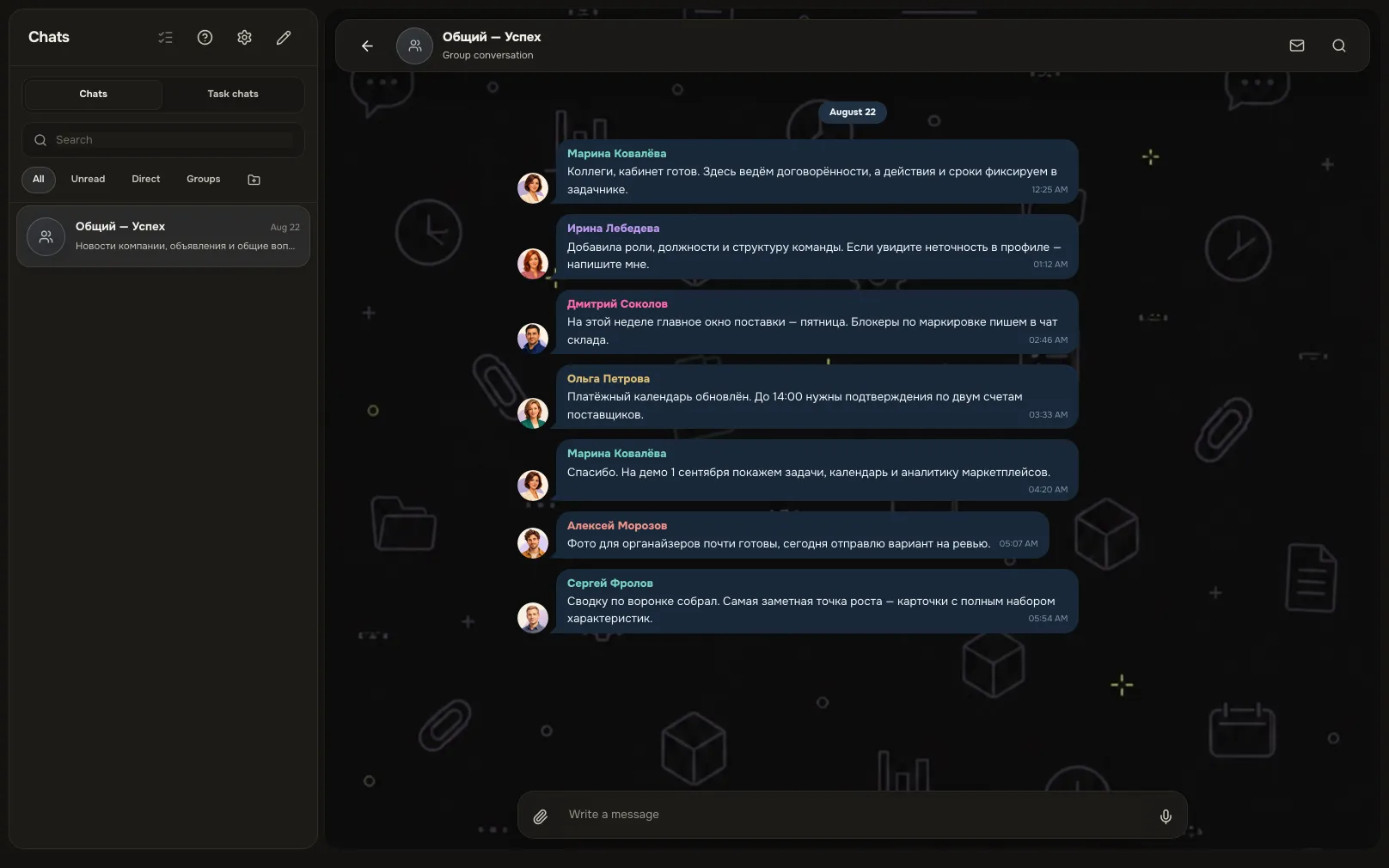
Chats in Akeda ERP is a work messenger inside the company workspace: direct messages, department groups and exactly one thread per task, opened either from the task card or from the chat list. Membership, permissions and search are inherited from the workspace, so the history belongs to the company and stays in place when someone leaves. Reactions, replies, forwarding, a 60-minute edit window, folders, per-scope notification modes, voice and video notes, an iPhone app and offline send-on-reconnect are all included.
- Task = chatevery task has its own thread, also in Chats
- 18 toolschats exposed to agents over MCP, within your rights
- 60 minutesthe window to edit your message, and edits are visible
- Offline safea message sends itself once the network is back
01Who gets what
For the team
Work questions have scattered across personal messengers and ad-hoc groups.
Direct chats and department groups inside the workspace: membership, permissions and history belong to the company, not to someone's device.
For the doer
Finding what was decided on a task means scrolling someone else's thread.
The discussion is attached to the task. History search, pinned agreements and replies to a specific message bring the context back in seconds.
For the manager
A hundred messages a day, and the important ones sink.
Mentions have their own counter, folders group the chats that matter, and notification mode is set per conversation.
02Key points
-
01
Direct chats and department groups
- Find a colleague by name from the first character typed, in any word order.
- The conversation profile collects members, media, files, links and pinned messages.
- Reactions, replies, quotes and forwarding work as expected; your own message can be edited.
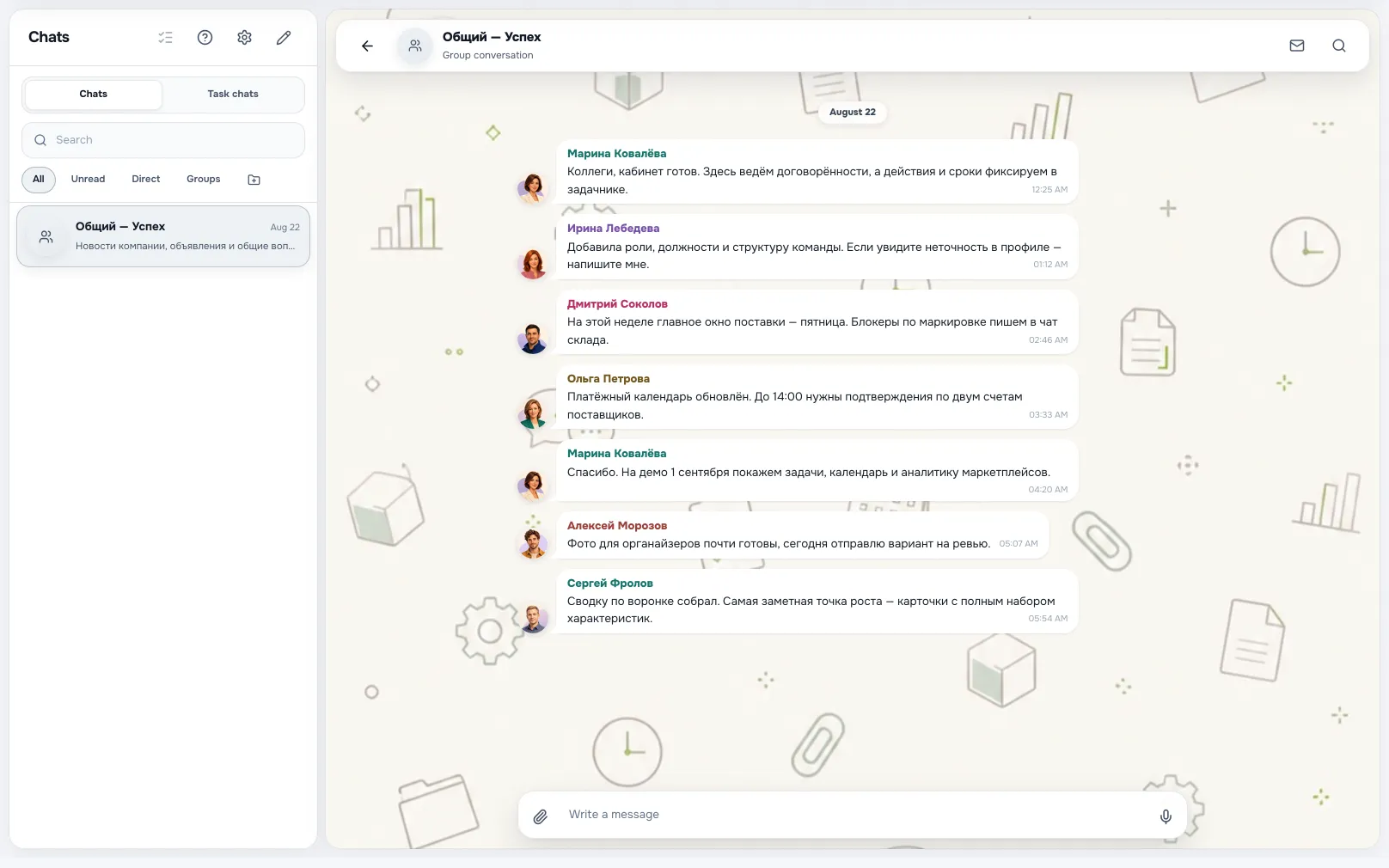
ConversationA screen from an Akeda ERP workspace -
02
Exactly one thread per task
- The same chat opens from the task card and from Chats — one history.
- Membership builds itself: author, assignee, watchers and the project's people.
- They stay out of your groups and, by default, only ping you on a mention.
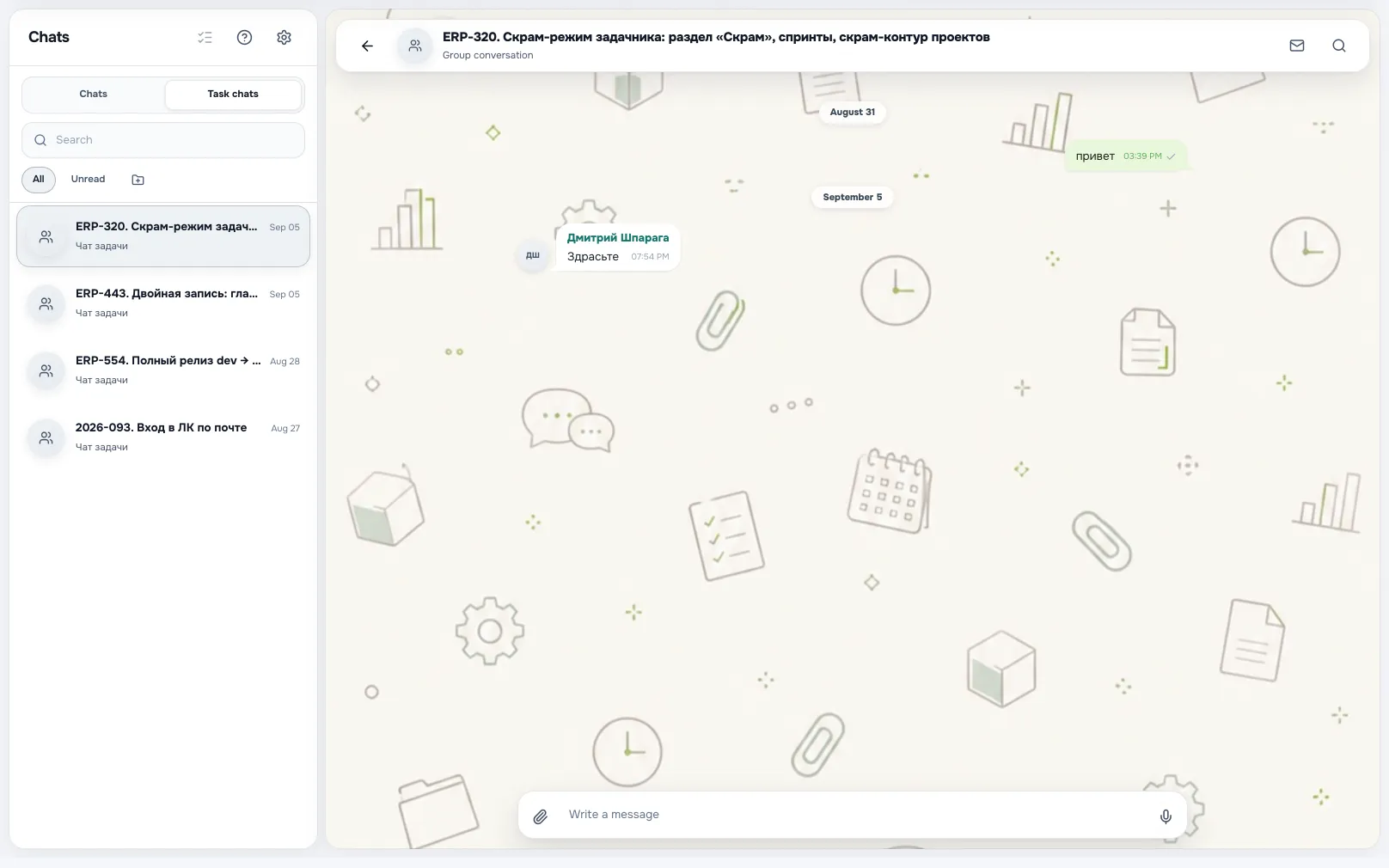
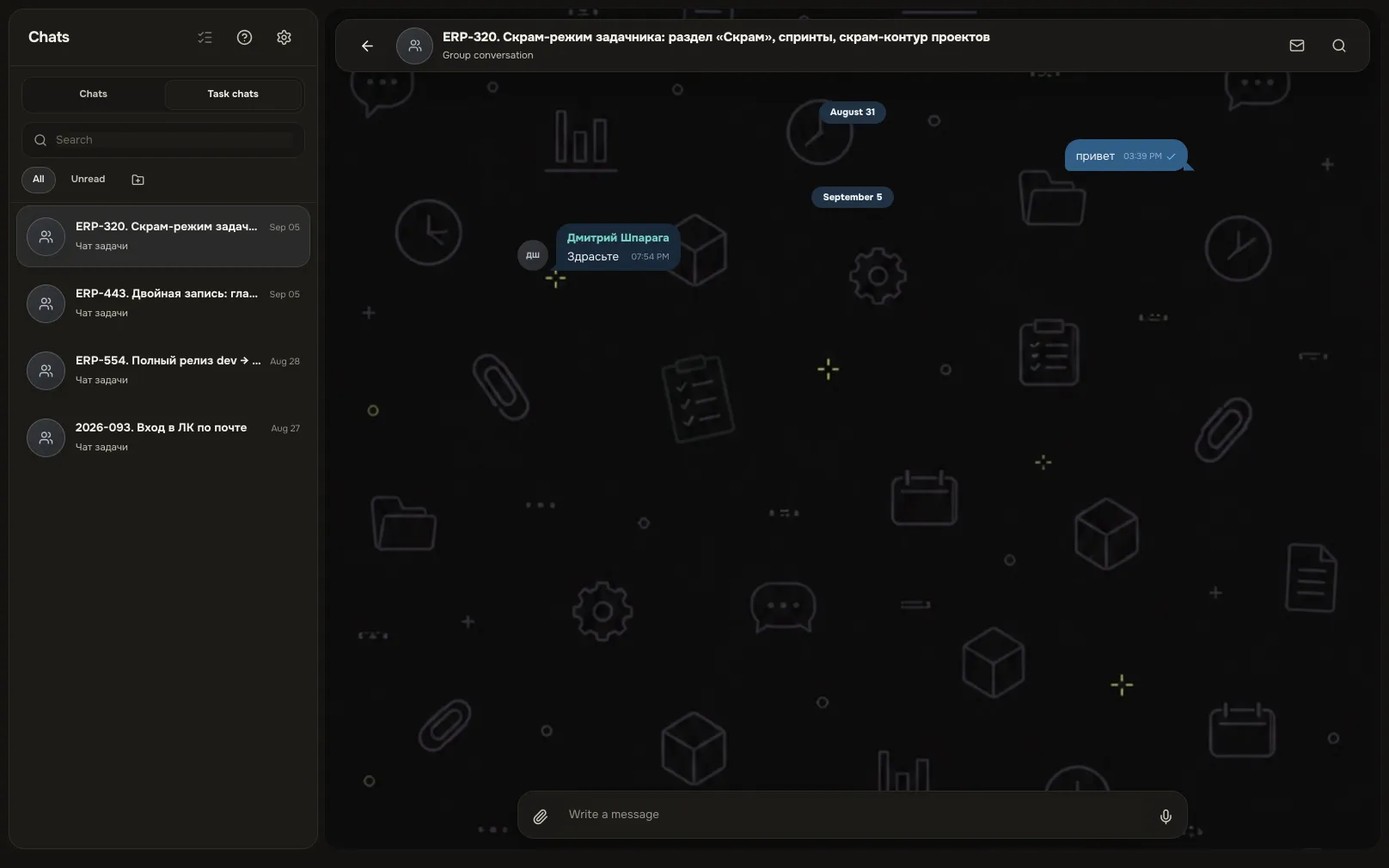
Task chatA screen from an Akeda ERP workspace -
03
Noise under control
- Folders are built from whole sections and single chats, separately for task threads.
- Notifications: everything, mentions only or muted; message preview and sound are yours to set.
- Search covers all history you can access and attachment names, without moving your read marker.
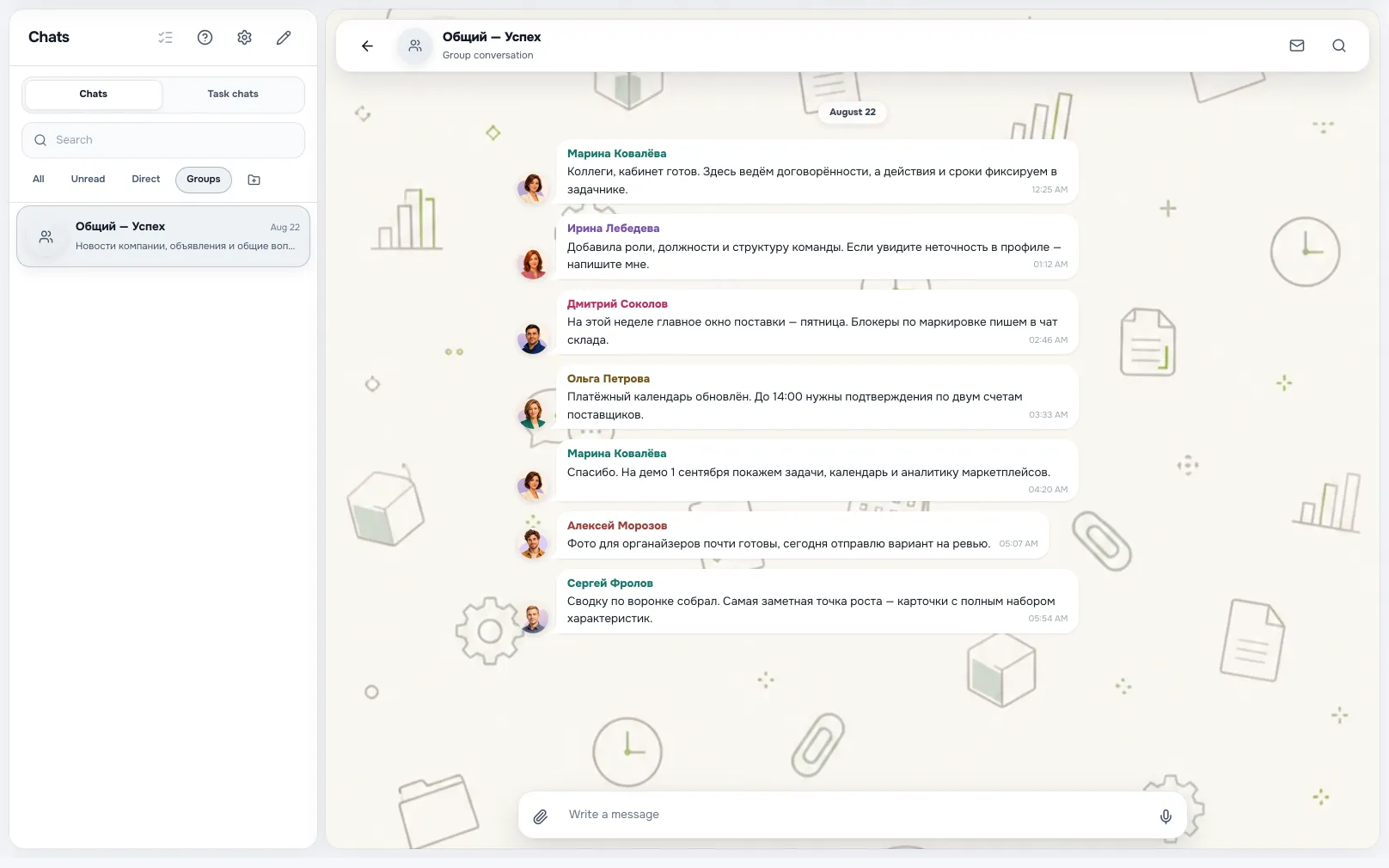
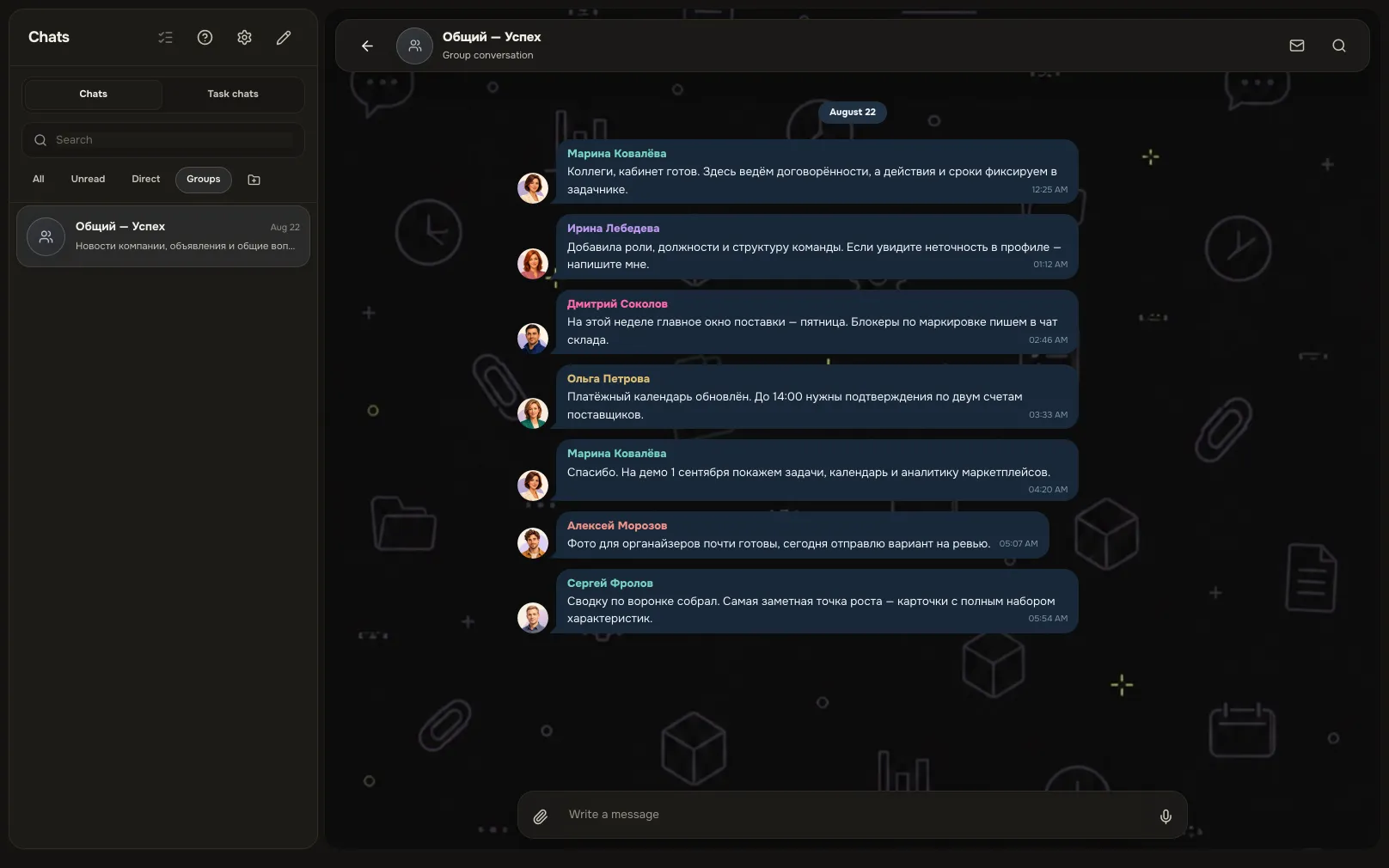
Chat foldersA screen from an Akeda ERP workspace
03One day with the module
- 09:10
Mentions first
A separate counter shows where you were called in. The rest of the feed waits and goes nowhere.
- 11:00
Faster by voice
A minute-long explanation goes as a voice note, or a short video circle from an iPhone. Both play in the browser.
- 13:20
The decision is pinned
The agreement is pinned inside the task chat. It shows in the conversation profile, so nobody scrolls for it.
- 15:45
Underground, no signal
The message stayed queued and sent itself when the network returned. No duplicate from the retry.
- 18:00
Someone new joins
Added to the group: members, media, files and links are already collected in the profile. No retelling required.
04Works together with
- tasks and calendarTasks and calendar
The task chat opens right inside the card: same thread, same people, same history.
Learn more - knowledge and filesKnowledge base and files
An answer you are typing for the third time belongs in the knowledge base, shared as a link.
Learn more - CRMCRM
Client correspondence runs in sales and is visible on the deal, not on a manager's personal phone.
Learn more - integrationsIntegrations and API
An agent reads and writes in the chats you can access over MCP — as you, and within your rights.
Learn more
05In brief
MCP tools: akeda_go_chat_send_message akeda_go_chat_conversations akeda_go_chat_unread_mentions
06Questions
Chats
Does it replace Telegram or WhatsApp?
For work discussions, yes: they run in the workspace that already holds your people, roles and tasks. Personal messaging stays wherever you like it.
Can we add a client or a contractor to a chat?
No. Conversations are limited to workspace users. For outside people there are file and page links, plus meetings booked through a calendar link.
What happens to the history when someone leaves?
The history belongs to the workspace and stays in place. Access leaves with the account: a former employee no longer opens company conversations.
Will notifications flood my phone?
The mode is set separately for direct, group and task chats: everything, mentions only or muted. Message preview and sound are switchable too.
Is there a mobile app?
Yes, for iPhone: the same history, folders, read marks, attachments, voice notes and video circles. Web and phone stay in sync.
See Akeda
with your workflow.
Tell us what you want to connect or automate. We will show how the process could work in Akeda, what data it needs and where to start.
- 01Understand your needs
- 02Explore connected workflows
- 03Define the next step
Request received
Thank you! We have your number and will get in touch on the next working day.
What happens next: a short conversation about your process — what to connect, which data is needed and where to start. No sales pitch.