

All features · tasks and calendar
See who is doing what, and what will be ready on time
Projects, sections, tasks and sprints are one system. List, Kanban, deadlines, Gantt and the weekly calendar all show the same tasks, with the discussion and the meetings right next to the work.
Tasks and calendar in Akeda ERP is a task tracker and meeting planner for small and mid-sized companies: projects, sections, tasks, sprints and milestones in one system. The same tasks appear as a list, a Kanban board, a deadline view and a Gantt chart, and each task carries its own chat, checklists, documents and an immutable change history. Unlike a standalone tracker, a task links to a deal, an order and a document in the same database, and 130 of the module's actions are exposed to external agents over MCP within the permissions of the person who connected them.
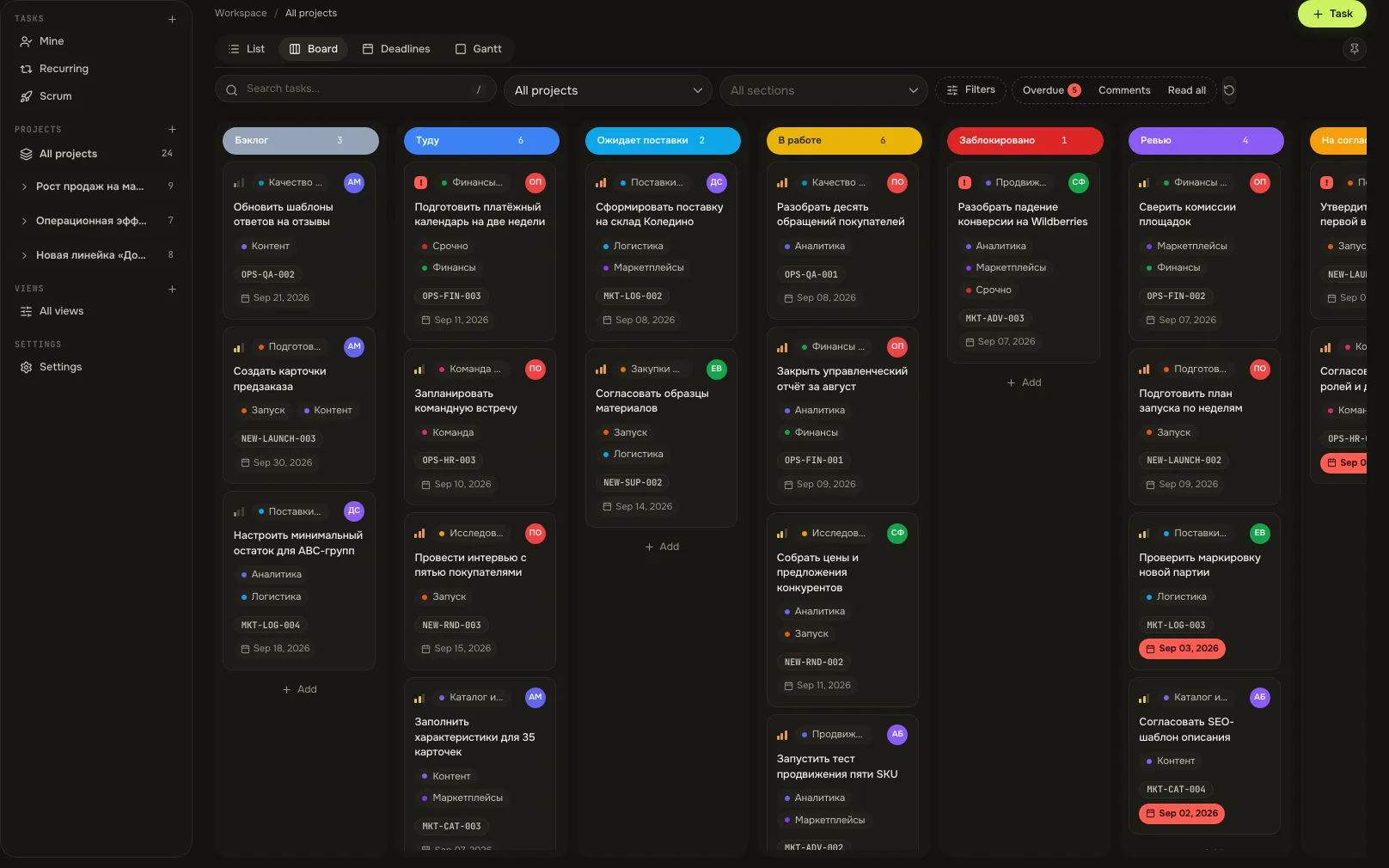
- 4 viewslist, Kanban, deadlines and Gantt — the same tasks
- 130 toolstasks and calendar exposed to agents over MCP
- 1 chatevery task has its own thread, also in Chats
- 5 calendarsGoogle, Office 365, iCloud, Yandex and CalDAV
01Who gets what
For the manager
Project status has to be assembled from chats and calls.
The board, deadlines and Gantt show how work is moving. The daily summary states what is done, what awaits acceptance and what is blocked.
For the doer
The task exists, but its context is spread across three chats and email.
Brief, checklist, files, links and discussion sit in the task itself. The “Mine” view shows only what is on you.
For the account manager
Booking one meeting takes ten messages about when everyone is free.
The availability timeline finds shared free time, and the client picks a slot from a booking link — no account needed.
02Key points
-
01
One set of tasks, four ways to look at it
- List, Kanban, deadlines and Gantt are not separate tools but one set of tasks.
- Drag a task between stages; the view you chose is remembered for you.
- Stages follow your process; hiding a column is personal and changes nothing for colleagues.
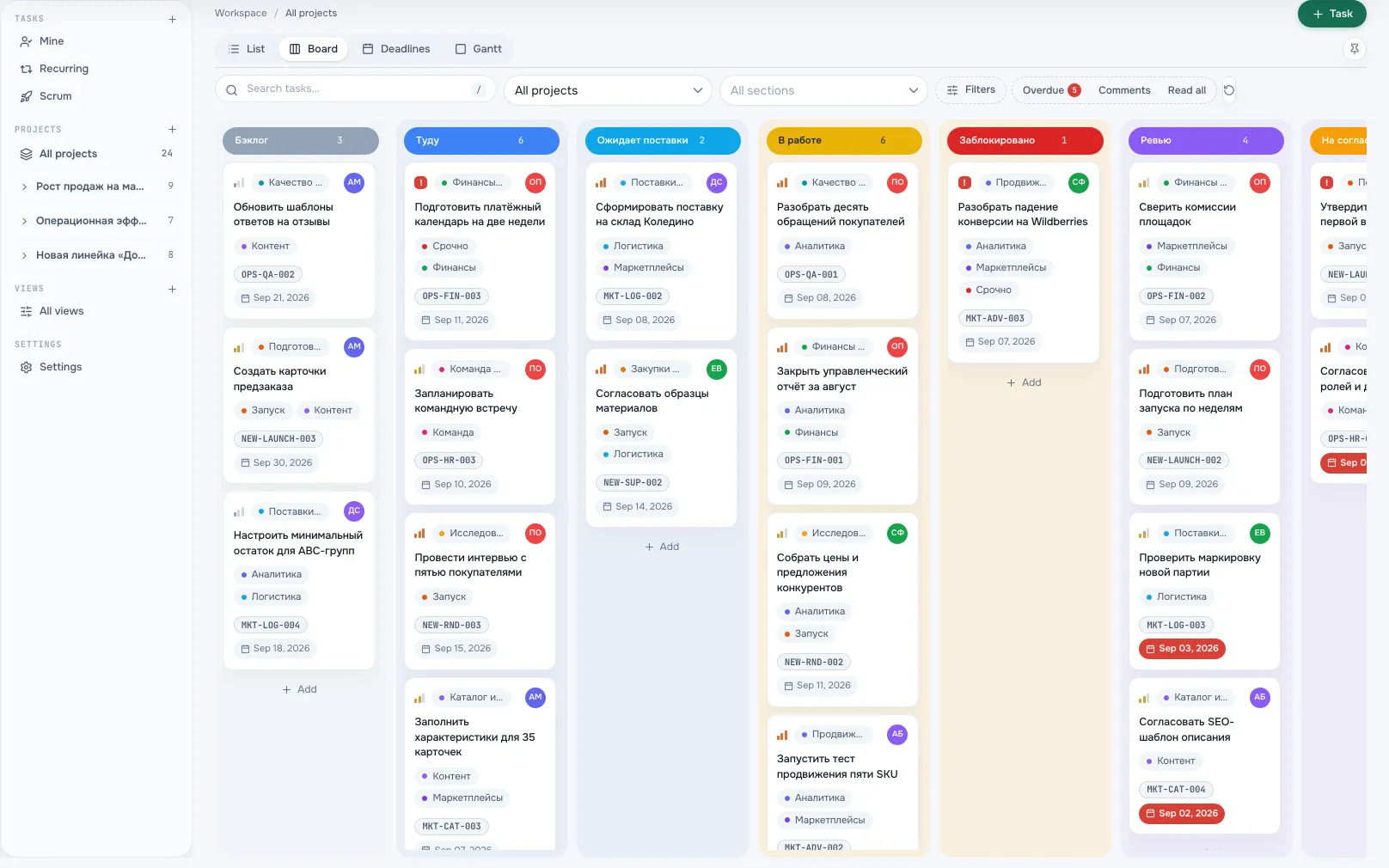
Task boardA screen from an Akeda ERP workspace -
02
The whole project plan at once
- Gantt draws every task as an interval, with weekly marks and a today line.
- Tasks without dates are listed separately — the plan does not pretend to be complete.
- Clicking an interval opens the task, so plan and work never drift apart.
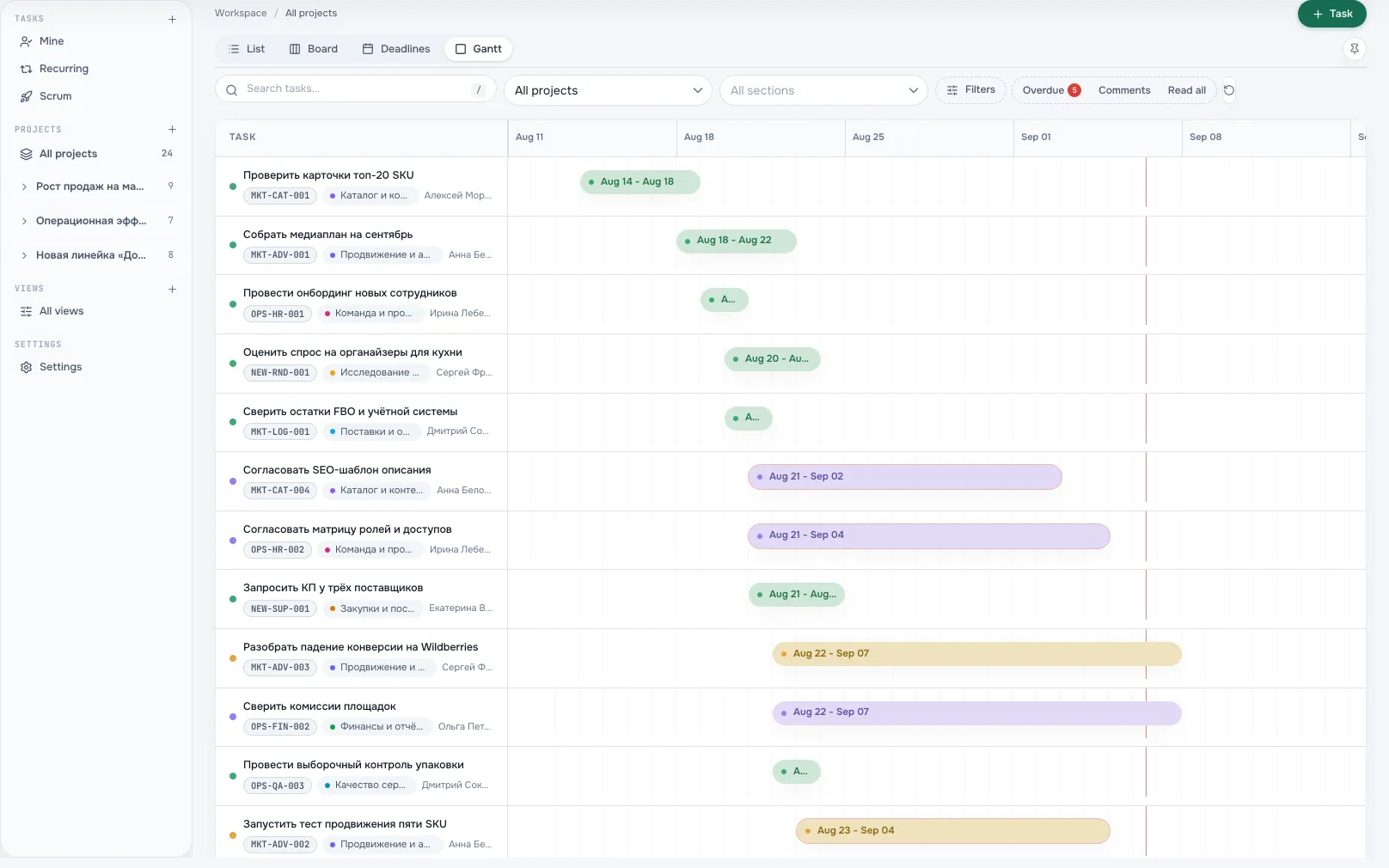
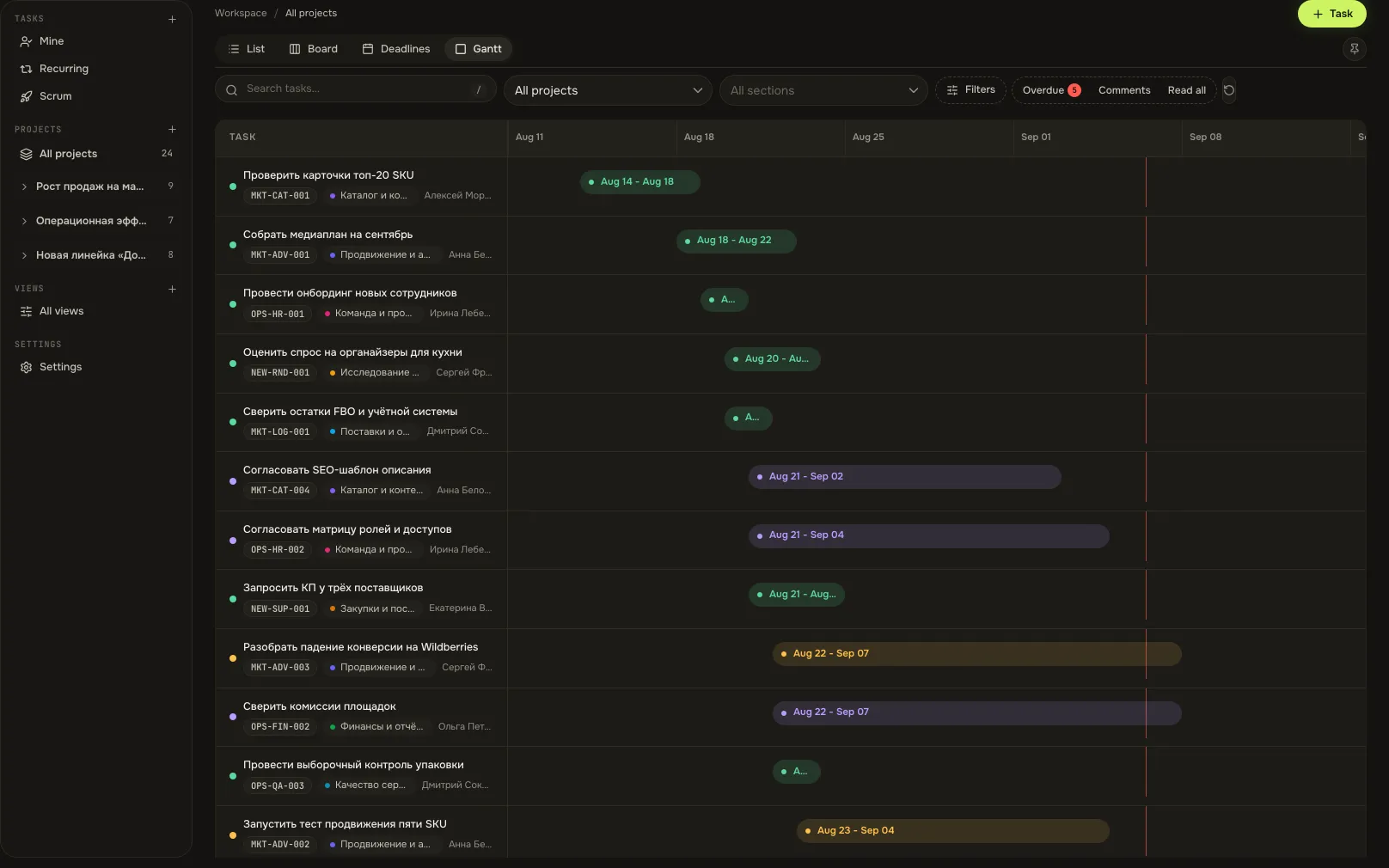
Gantt chartA screen from an Akeda ERP workspace -
03
A task card that holds everything
- On the left: description, checklists, subtasks and blocks / blocked-by links.
- In the middle the task chat; on the right properties, dates, people, documents and history.
- Edits save themselves, and every stage change is written to an immutable log.
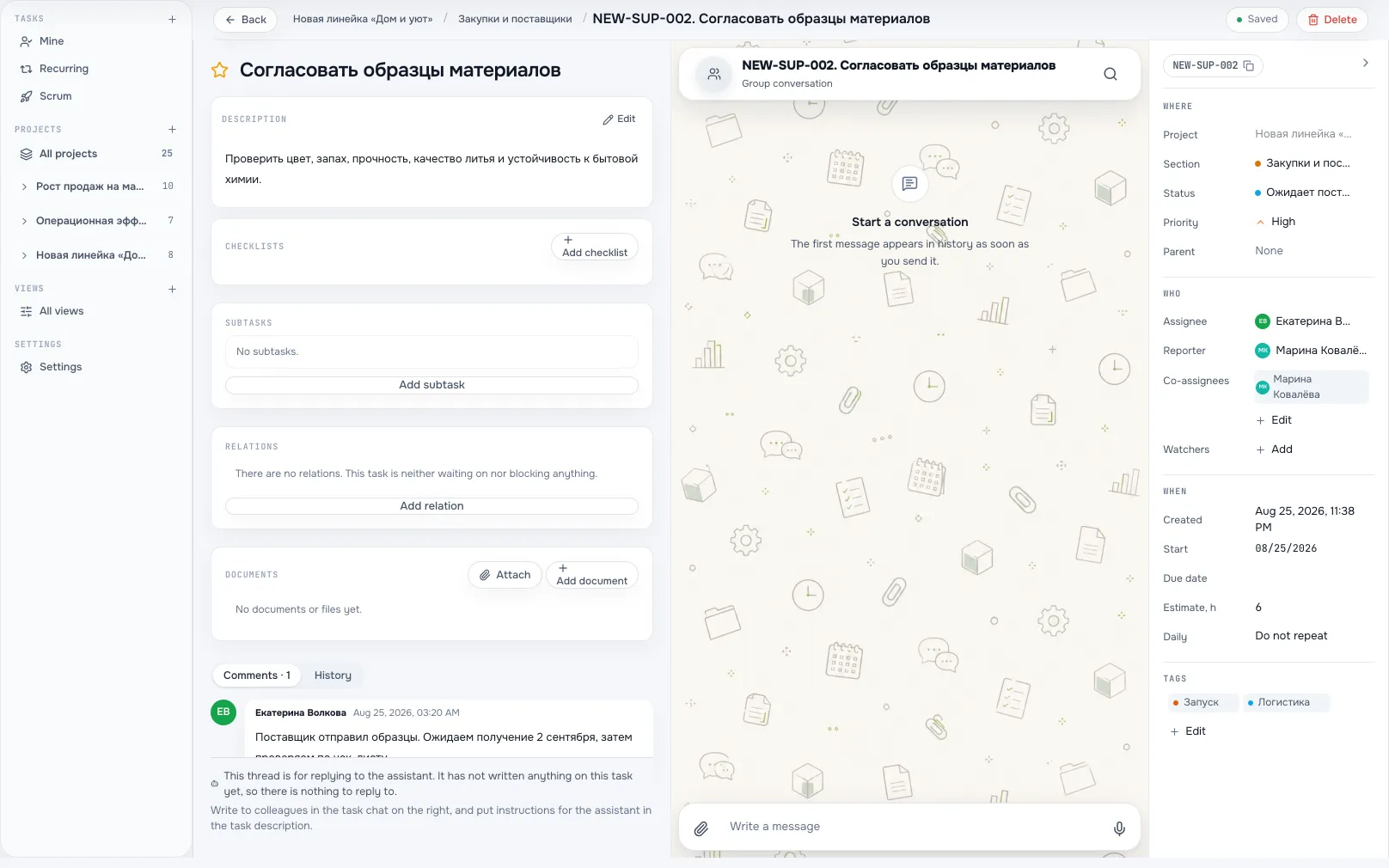
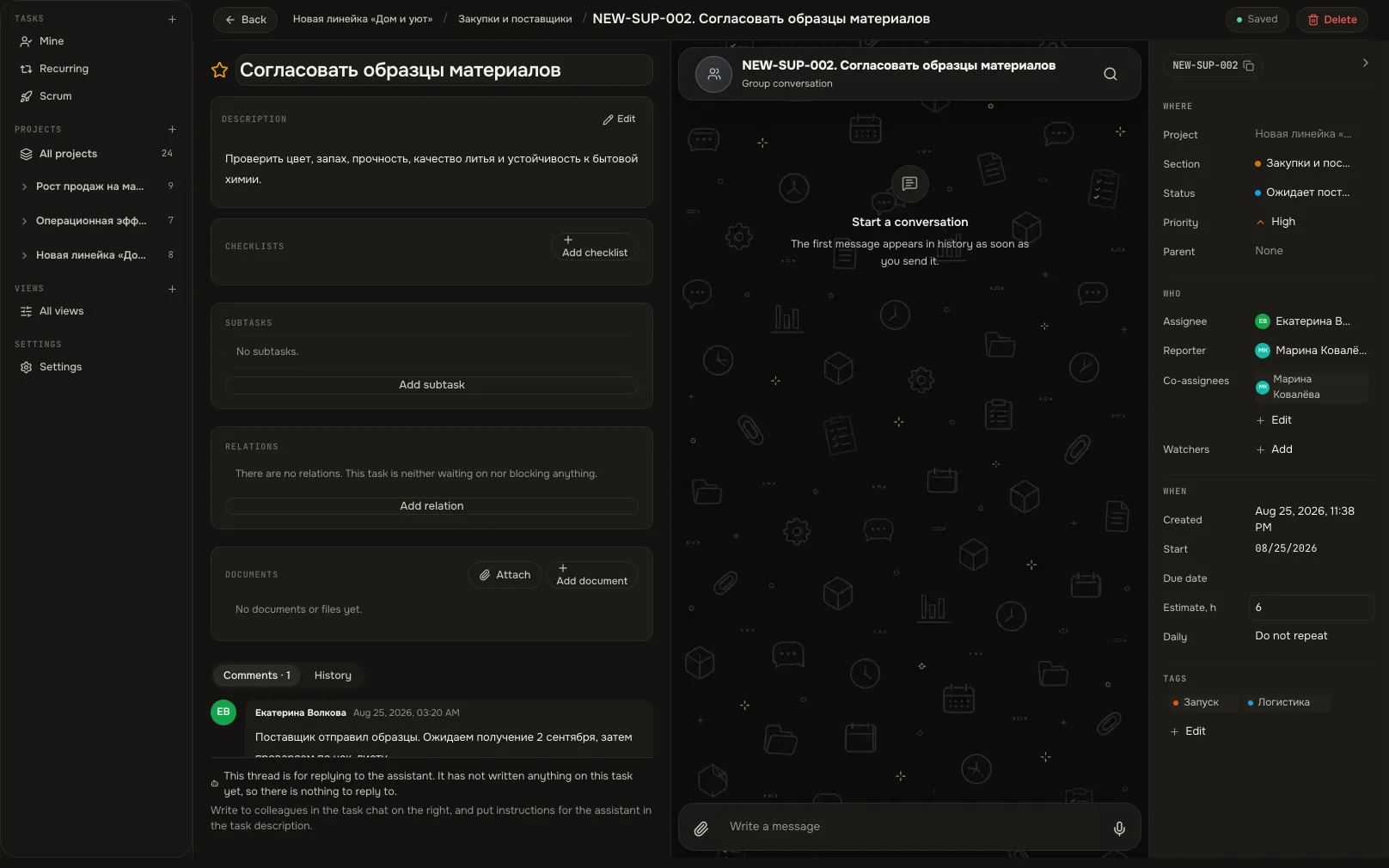
Task cardA screen from an Akeda ERP workspace -
04
Meetings that fit real availability
- Day, week, month and agenda views; reminders reach the notification centre and your phone.
- The availability timeline shows only busy intervals, never the content of a colleague's meetings.
- Google, Office 365, iCloud, Yandex and CalDAV connect as sources and stay personal.
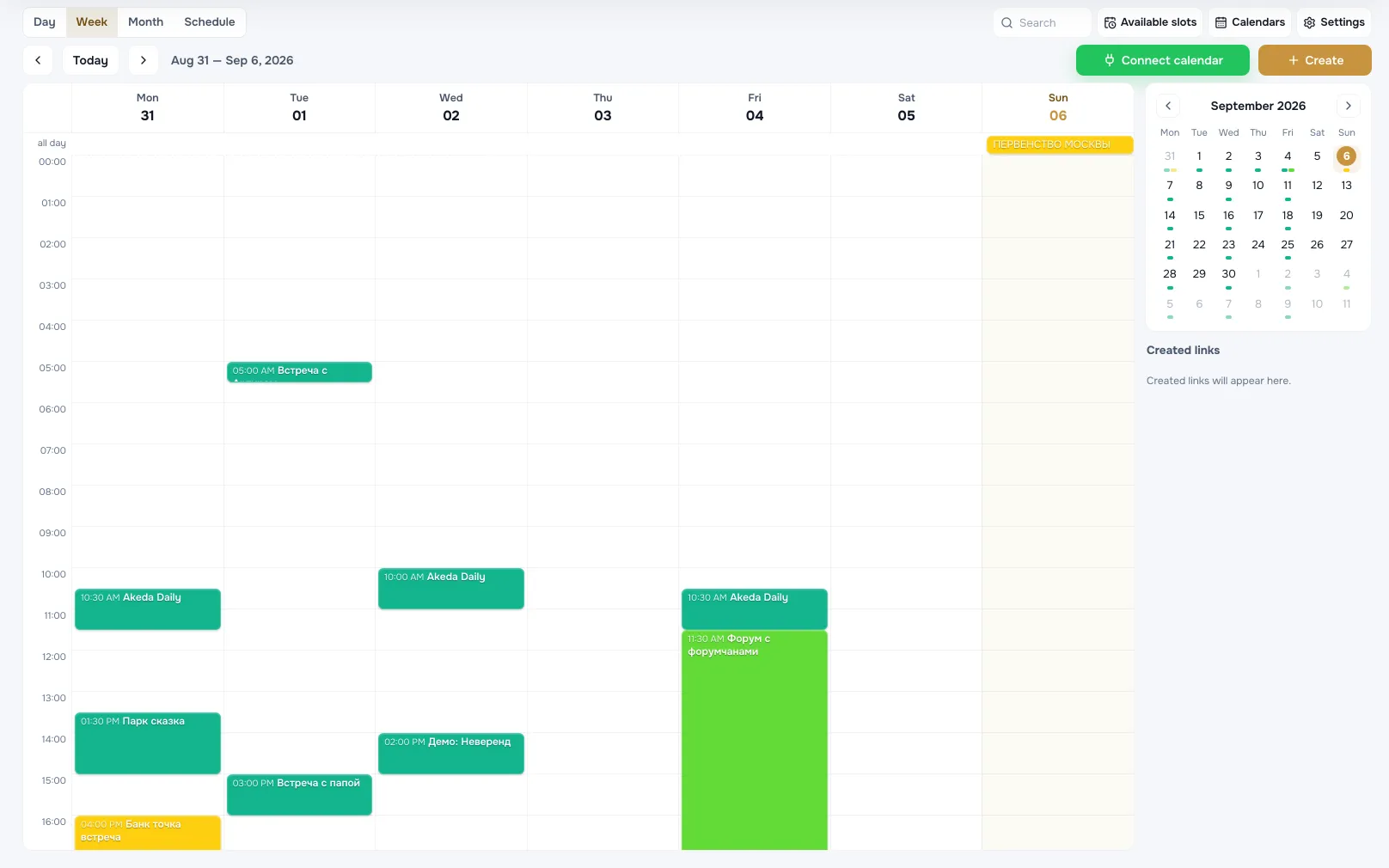
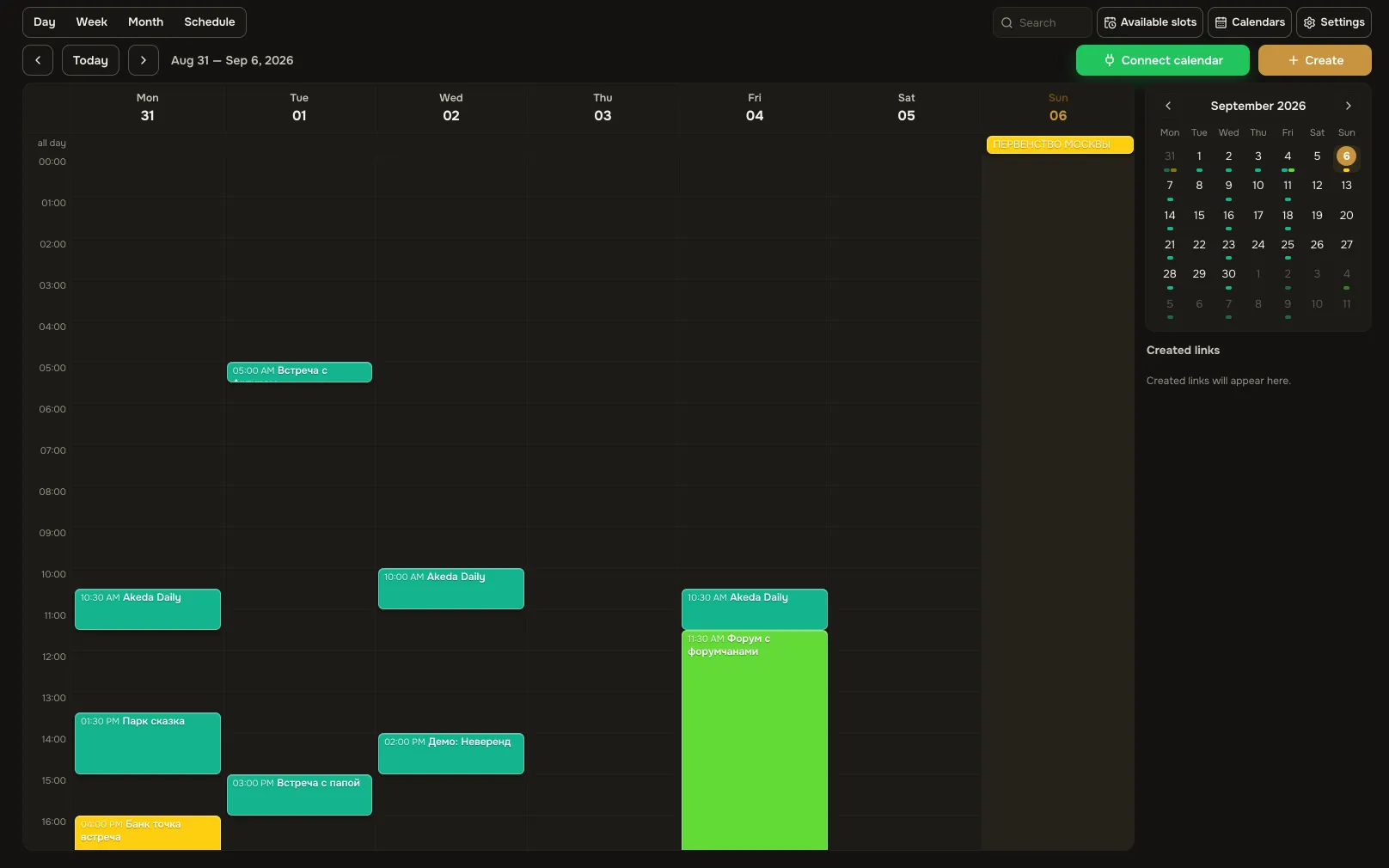
Weekly calendarA screen from an Akeda ERP workspace
03One day with the module
- 09:00
The “Mine” view
A team member opens their own list: today's tasks with priority and due date. No other projects on screen.
- 10:15
Summary before the standup
The agent has collected what closed, what waits for acceptance and what is blocked. Three lines instead of retelling the board.
- 12:40
The client picked a time
A guest took a free slot through the booking link. The meeting landed in the weekly calendar with a reminder.
- 16:00
A question in the task chat
Answer, file and decision stayed inside the task. Nobody has to retell the thread to the next person.
- 20:00
The sprint closed itself
Unfinished work moved to the next sprint and the report went to the project journal. The agent keeps the rhythm.
04Works together with
- chatsChats
The task chat is the same thread you see in Chats: discussion never leaves the work.
Learn more - knowledge and filesKnowledge base and files
The rulebook lives in the knowledge base and the task links to it — no copy-pasted process in a description.
Learn more - CRMCRM
A deal turns into assignments: tasks and meetings carry it through to shipment and payment.
Learn more - integrationsIntegrations and API
An agent runs tasks over MCP on your behalf and strictly within your permissions.
Learn more
05In brief
MCP tools: akeda_go_task_create akeda_go_tasks akeda_go_calendar_events
Integrations: Google Calendar · Microsoft 365 · Yandex Calendar
06Questions
Tasks and calendar
How is this different from a normal task tracker?
A task links to a deal, an order and a document, and every project has a hub: the client, meetings with decisions and actions, files and credentials. Work and accounting live in one system.
Do we have to run sprints?
No. Scrum is a per-project switch: a Sprint field and filter appear, nothing else changes. Turning it off keeps the sprints, and turning it back on restores the same rhythm.
What does a new participant see?
Exactly what their project role allows: owner, co-owner, member or viewer. Assignees and watchers can only be picked from the people in that section.
Does it work from a phone?
Yes, in the iPhone app: projects and sections, the “Mine” list, filters and saved views, checklists, the full description editor and the task chat as a full-screen sheet.
What does the agent do, and what does it never do?
It closes sprints on schedule and prepares the summary. By design it does not assign people, move other people's tasks between stages or close them on their behalf.
See Akeda
with your workflow.
Tell us what you want to connect or automate. We will show how the process could work in Akeda, what data it needs and where to start.
- 01Understand your needs
- 02Explore connected workflows
- 03Define the next step
Request received
Thank you! We have your number and will get in touch on the next working day.
What happens next: a short conversation about your process — what to connect, which data is needed and where to start. No sales pitch.